
Google SecOps
Enrich hashes, hostnames, and IP addresses inside SecOps cases with Stairwell verdicts, rule matches, prevalence, and variants, without leaving the case.
The Stairwell Enrichment Integration for Google SecOps adds in-line enrichment of indicators inside SecOps cases. An analyst working a case sees what Stairwell knows about a hash, address, or hostname in the case timeline, rather than opening a second tool and pivoting by hand.
Formerly Chronicle. If your instance is still branded that way, this is the same integration.
What does the enrichment return?
SecOps extracts an indicator from the case, sends it to Stairwell, Stairwell matches it against the global malware corpus and your own environment, and returns structured data: verdicts, YARA rule matches, prevalence, variants, registry keys, embedded files, persistence mechanisms, AI-driven summaries, unpacked payloads, dropped files, and anti-analysis details.
Results appear directly in the case timeline. The point is not that the data is available, it is that the analyst does not have to decide to go looking for it.
How do I install it?
- Go to Marketplace → Response Integrations.
- Search for Stairwell.
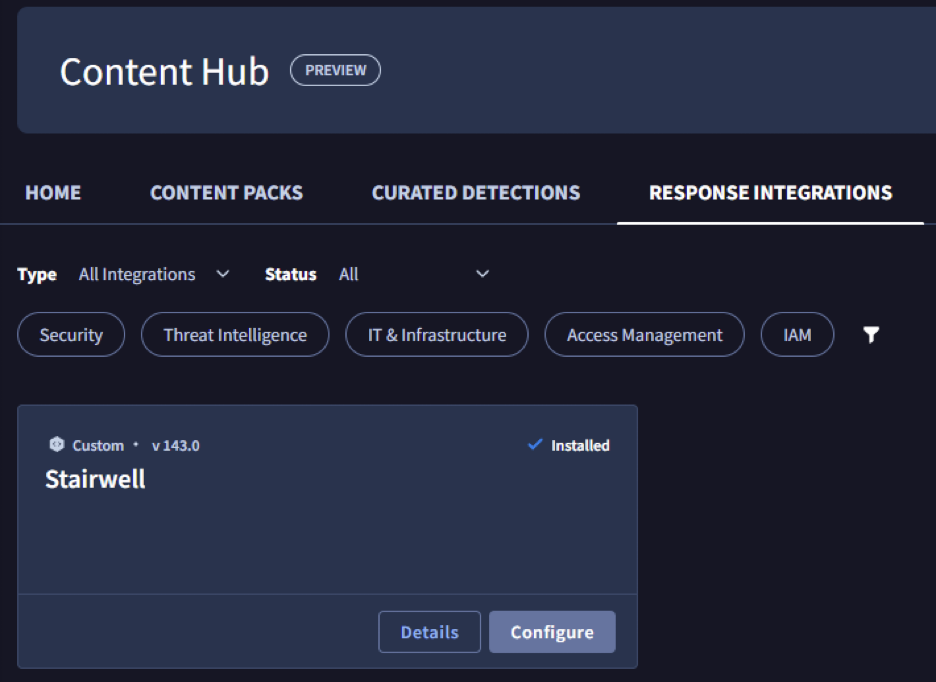
- Select Install.
How do I configure it?
- Go to Response → Integrations Setup.
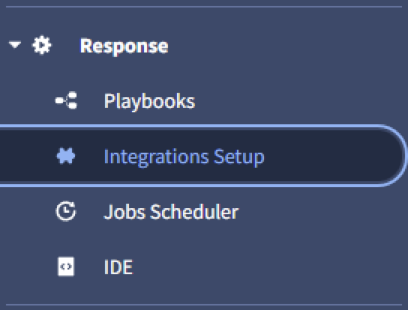
- Select Create a new instance and choose Stairwell.
- Enter four parameters: Organization ID, User ID, API Key, and API Root.
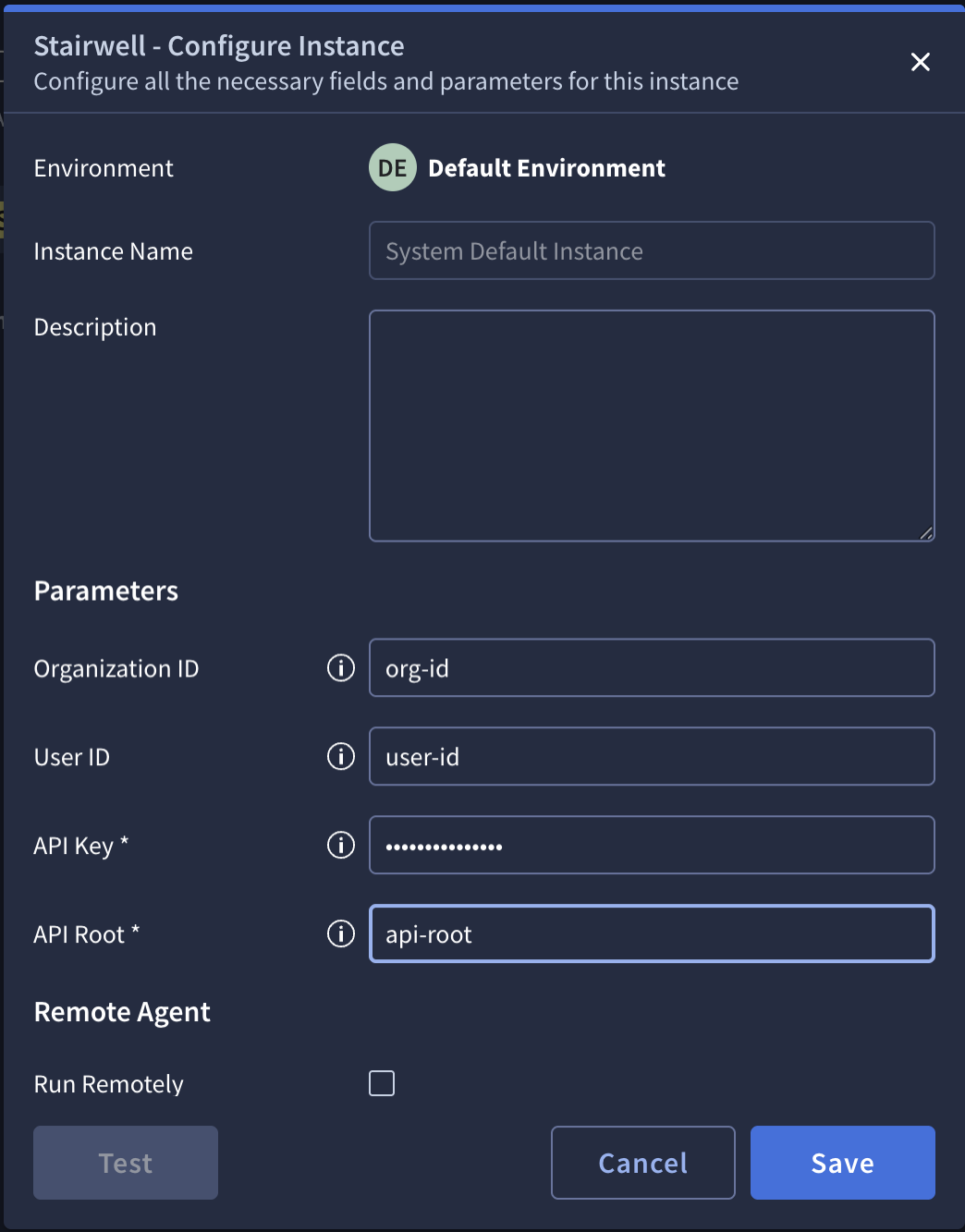
- Save, then select Test to verify connectivity.
Run the test before moving on. It is the only step here that tells you the credentials are right, and every later symptom looks like something else.
How do I make the results visible in a case?
Installing the integration does not by itself put enrichment on screen. The case view needs a widget:
- Go to Settings → SOAR Settings → Case Data → Views.
- Select Default Case View.
- Add the Insights widget under General.
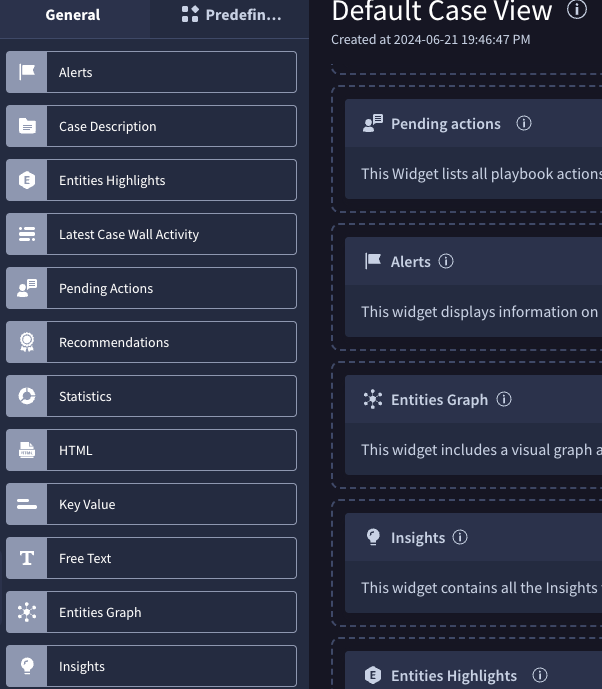
This is the step most often missed. Without it the enrichment runs and returns data that nobody sees, which reads as a broken integration and is not one.
How do I use it in a playbook?
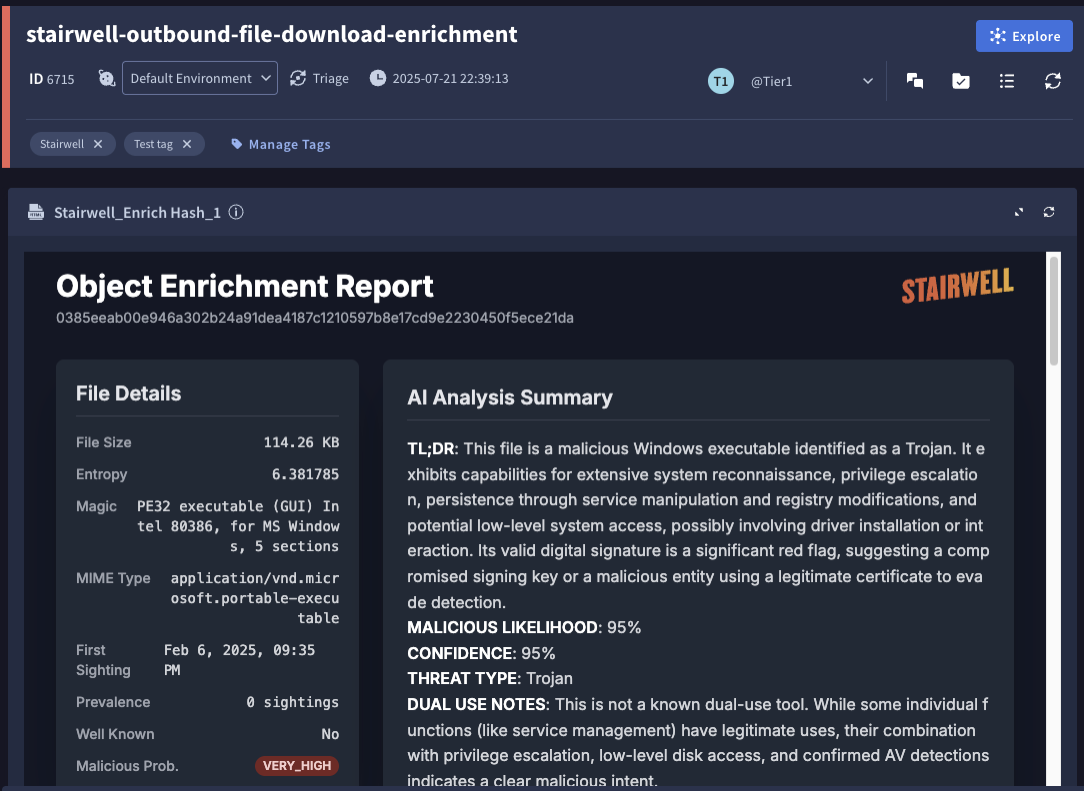
Search for Stairwell in the playbook step selection panel. The actions ship with widgets for their results, so a step you add renders its enrichment without further configuration.
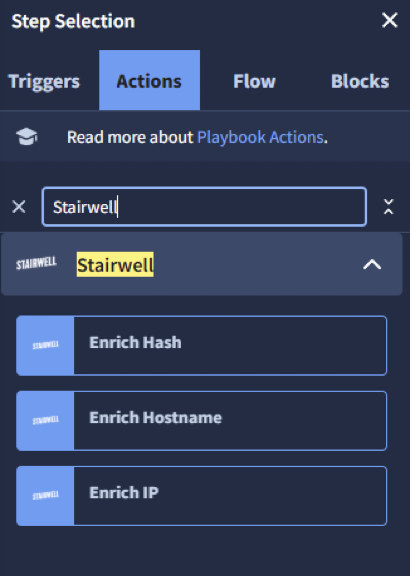
Three enrichment actions are available:
| Action | Returns |
|---|---|
| Enrich Hash | File metadata, verdicts, YARA matches, signatures, and AI summaries |
| Enrich Hostname | DNS records, verdicts, and comments |
| Enrich IP | Verdicts, opinions, and sightings |
The actions are trigger-agnostic. Whether a case came from an EDR alert, a SIEM correlation, or another playbook, if it contains a hash, address, or hostname then Stairwell can enrich it. So one enrichment step added to a shared playbook covers every case type that flows through it.
Troubleshooting
Go to the IDE under Response, select the action within Exchange, choose Play Item, and read the Debug Output. That gives you the full response rather than the summarized result, which is what you need when enrichment returns less than you expected.
If a hash returns nothing, check whether the file exists in an environment you can read before treating it as a failure. See Environments.
What should I read next?
- Integrations, for what else is available.
- Verdicts and Prevalence, for reading the two fields analysts will look at most.
- REST APIs, which is the surface this integration calls.
Updated about 2 months ago